1.7
How to practise writing
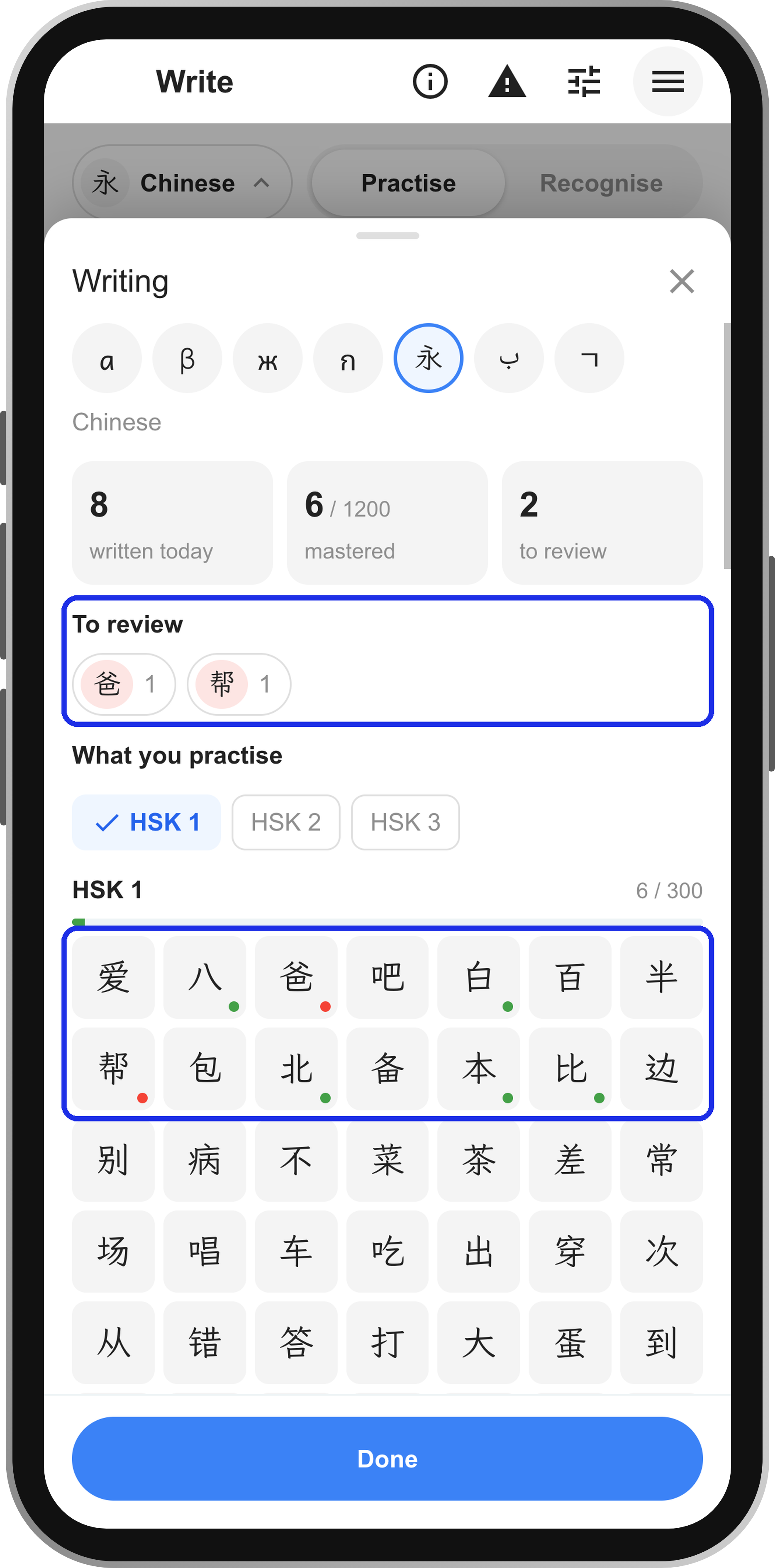
Chinese, Korean, Arabic, Thai, Russian: many languages are not written in the Latin alphabet at all, and their characters are the first wall a learner hits. Reading them is only half the job. Research on how we learn letters shows that writing them by hand helps you recognise them later better than only looking at them or typing them: your hand learns the shape, and you start to notice the small details that tell similar characters apart. Knowing how to write them also makes the language itself easier to remember, because you can note down a word and read your own notes. In Taalhammer you practise this in Write. On a computer it is in the top bar. On a phone, open the menu and tap Write.
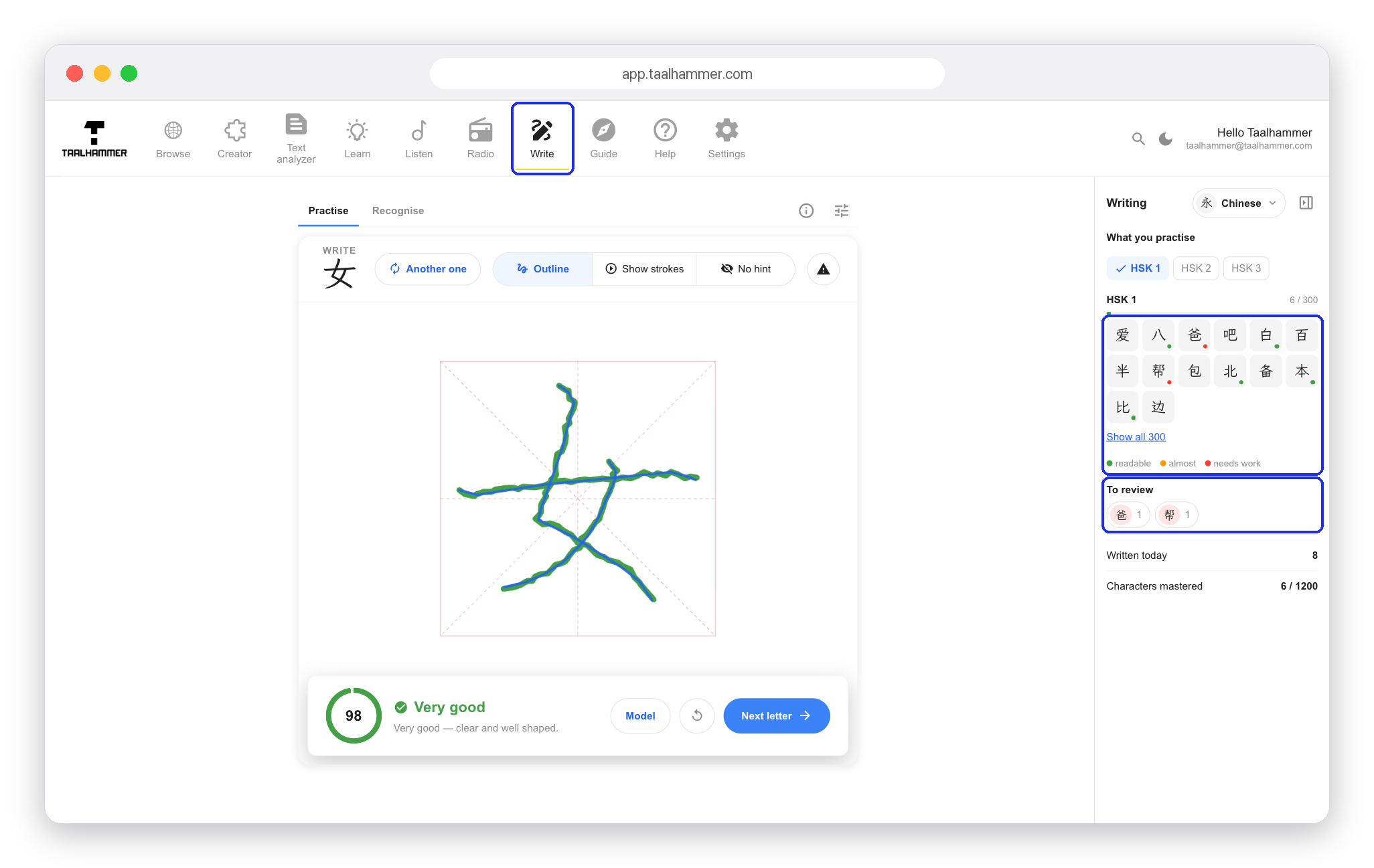
Choose what you want to write: Chinese characters (HSK 1 to 3), Korean, Arabic, Thai, Cyrillic, Greek or the Latin alphabet. In Practise the app shows a character next to Write. Pick a hint: with Outline you trace over the grey shape, Show strokes plays the order and direction of each stroke, and No hint means writing from memory.
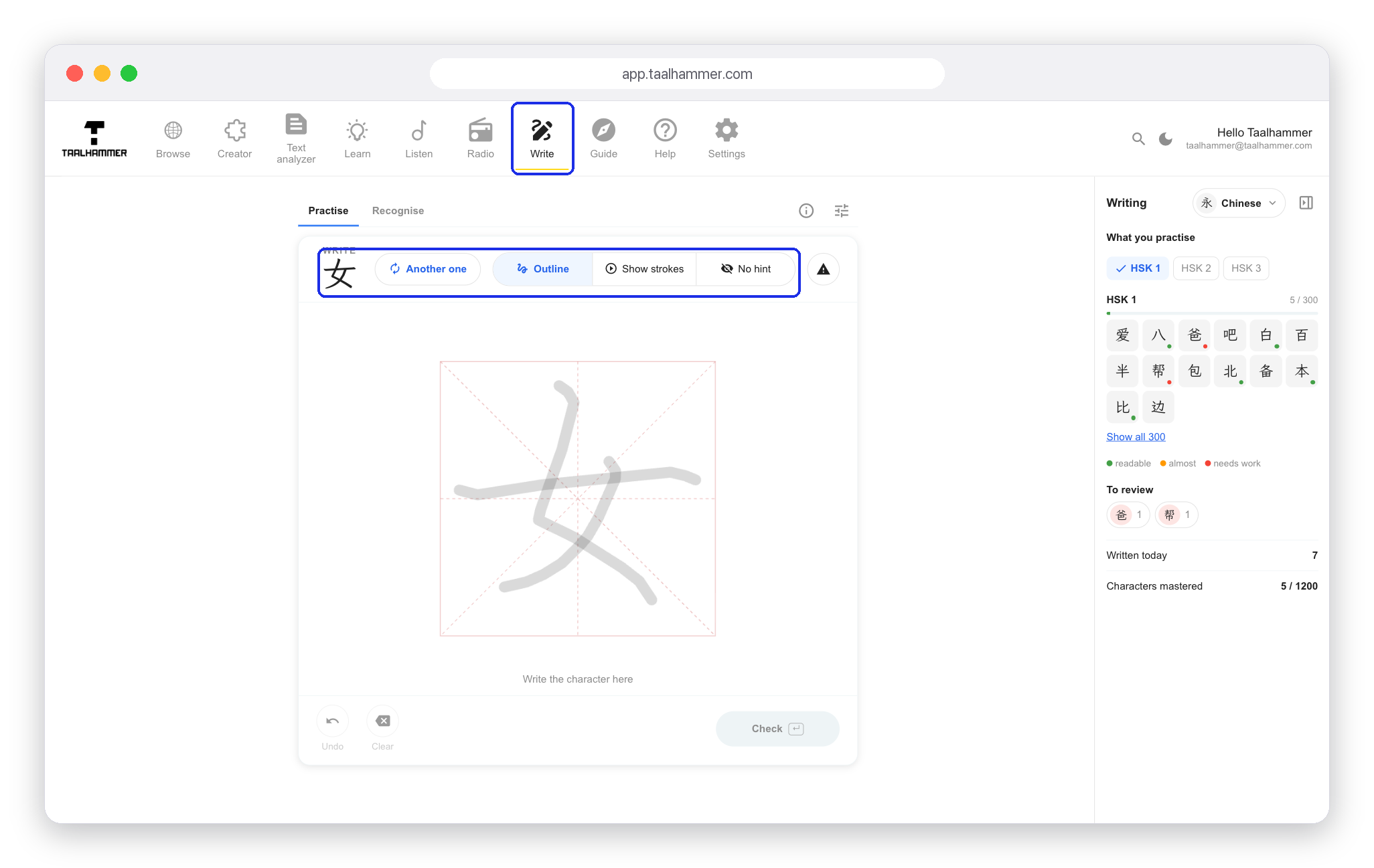
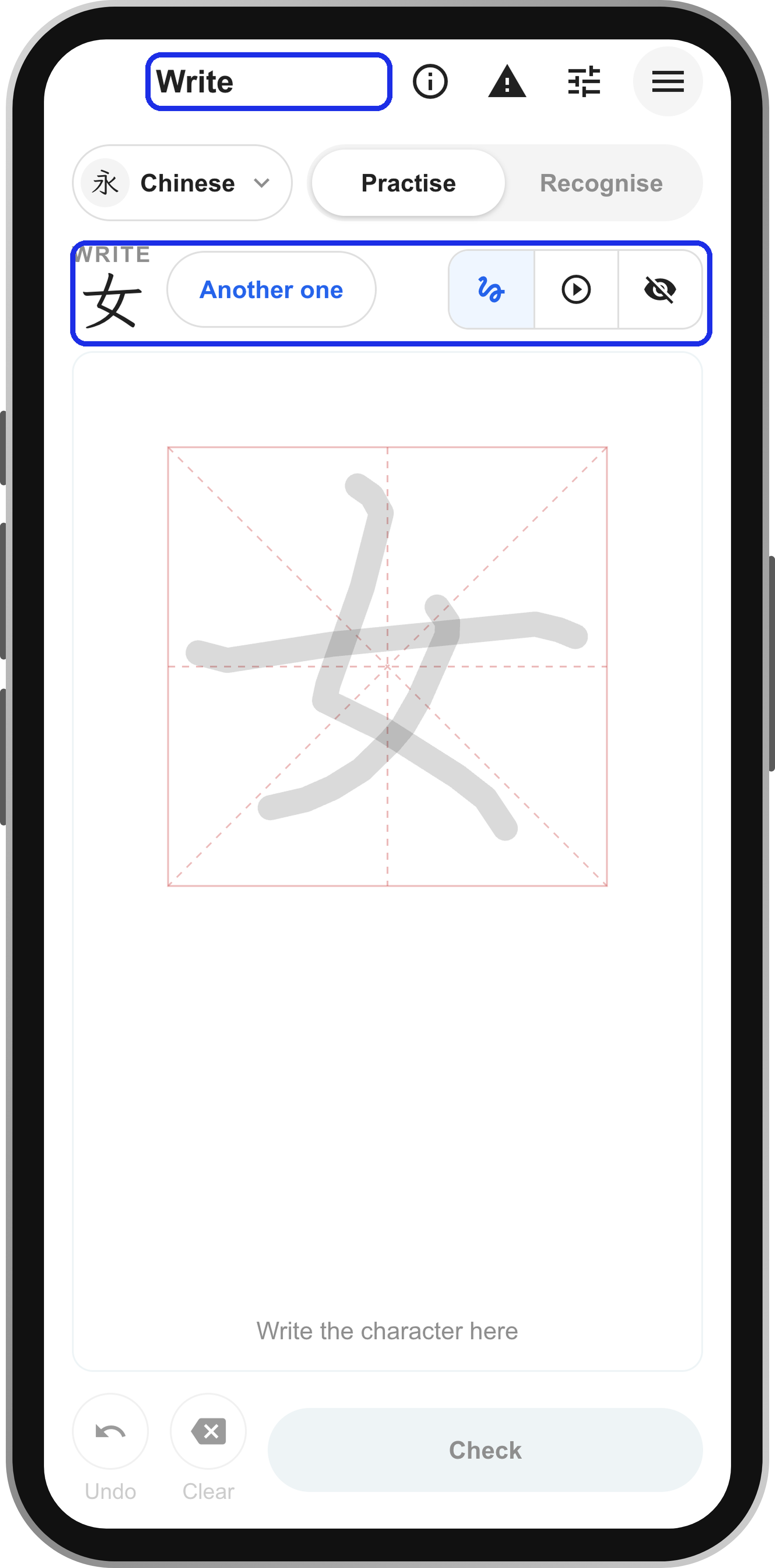
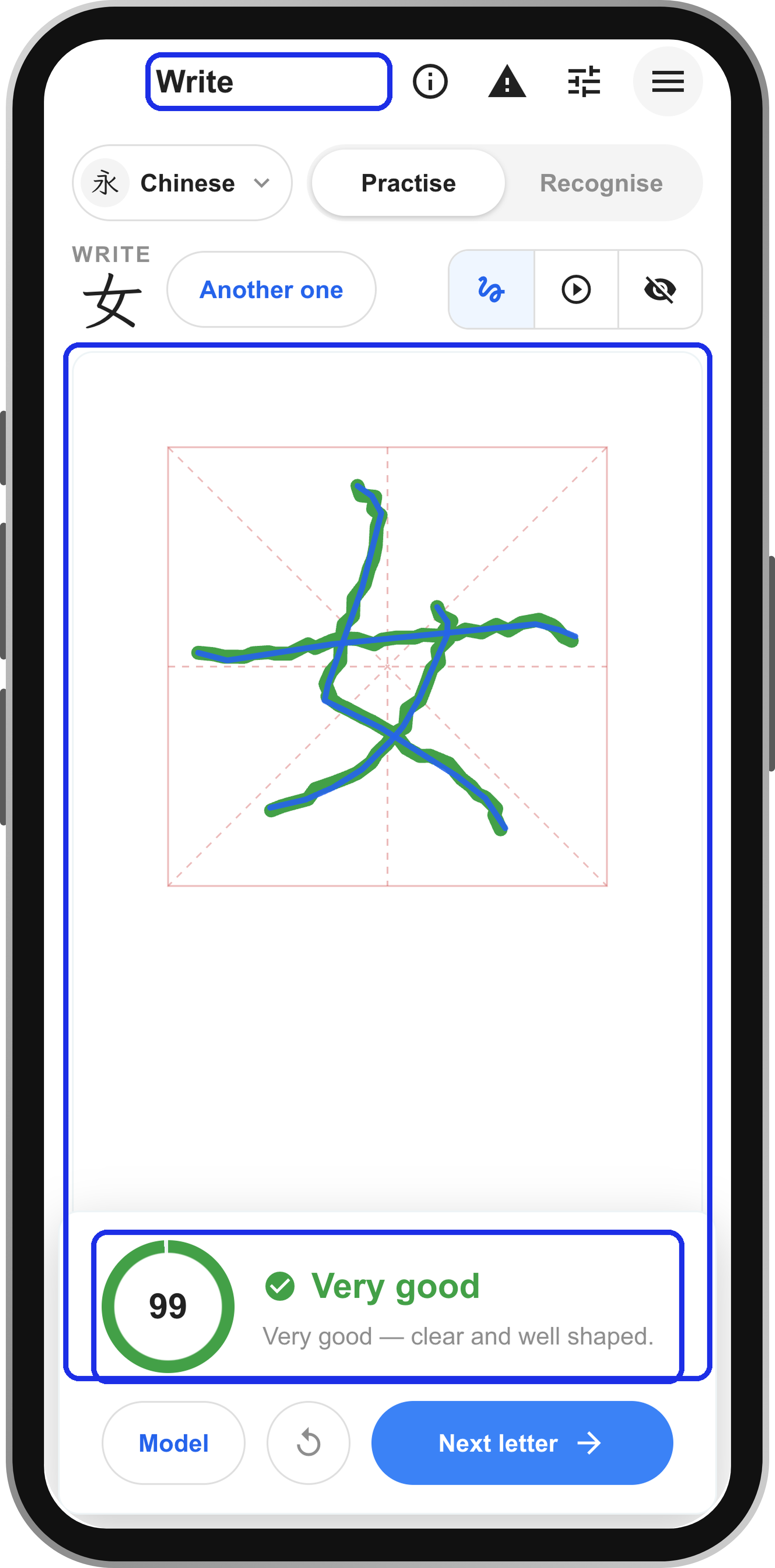
Write the character in the frame with the mouse or your finger and click Check. You get a score from 0 to 100 and a verdict such as Very good, Good, Almost or Not readable yet. The model is drawn over your writing, so you can see where it differs. Undo takes back the last stroke and Clear starts again.
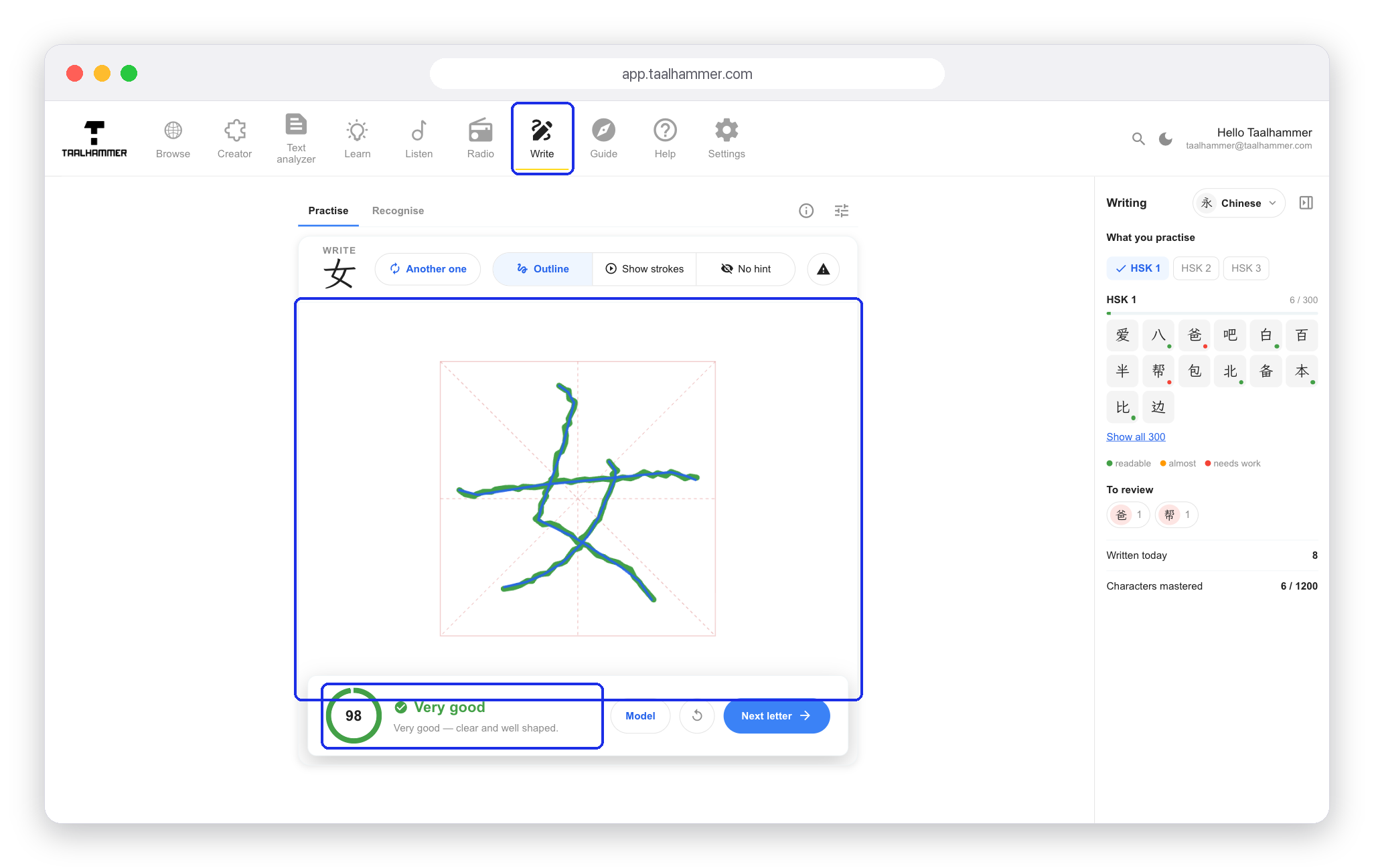
Another one gives you a new character. To practise a particular one, pick it from the grid next to the frame (on a phone, from the list under the alphabet button). The dots in the grid show your last result for each character, and the ones you do not write clearly yet wait in To review.
Recognise works the other way round: draw any character of the script and click Read it, and the app tells you which one it sees. It is a quick test of whether your handwriting is clear. Recognition runs on our own engine, so you can practise as often as you like. How we built it is in our article How we built handwriting recognition.