5.4
What is the active collection
Your active collection holds everything you find interesting while you learn. Every flashcard you save goes there by default, and any of your collections can be the active one.
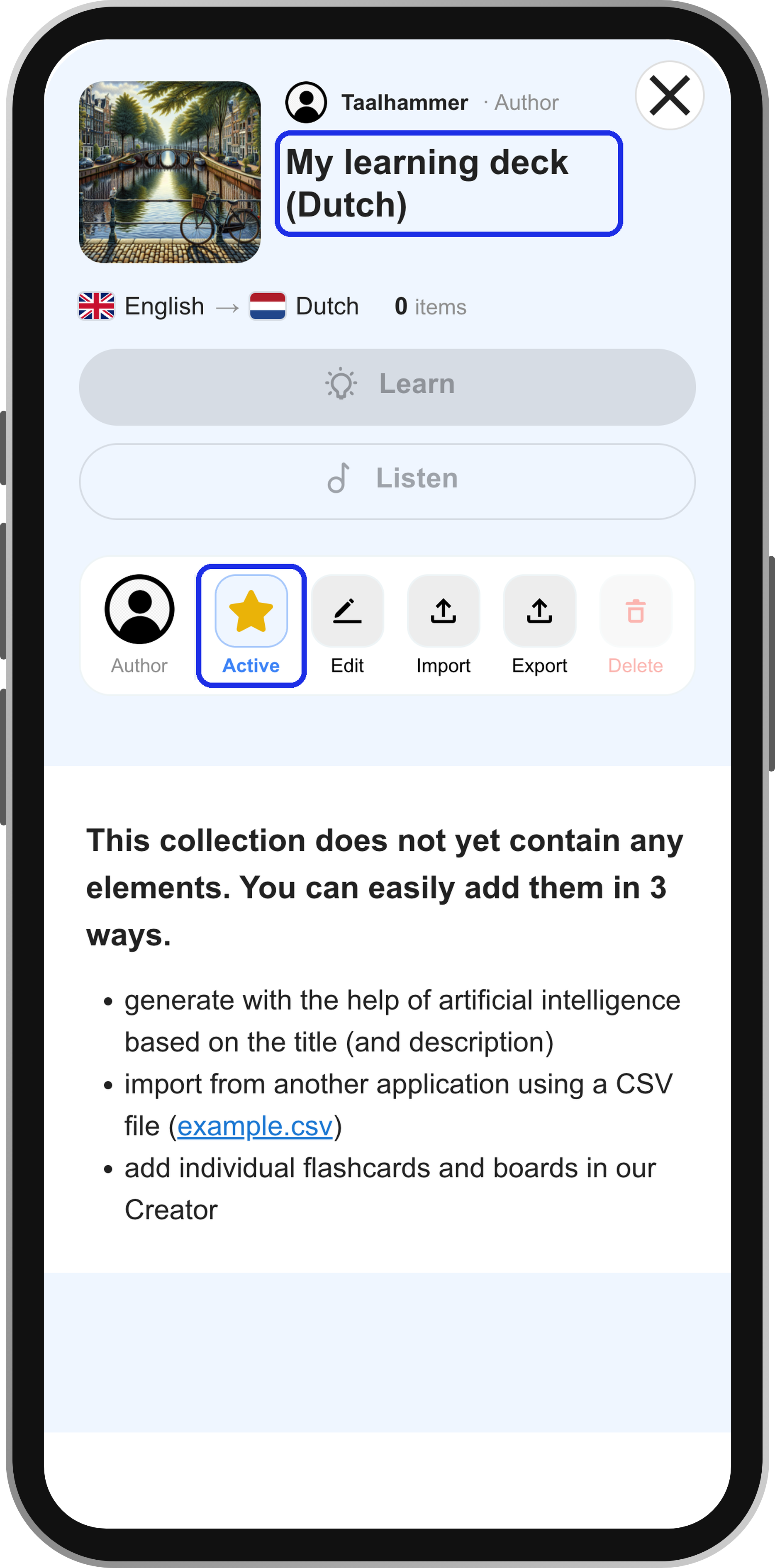
On a computer, the active collection is the one with a star next to it in your library in the Creator. On a phone, open My Library, tap My own, choose a collection and tap Active. You can also change it from the notification that appears after you save a flashcard, by tapping Change.
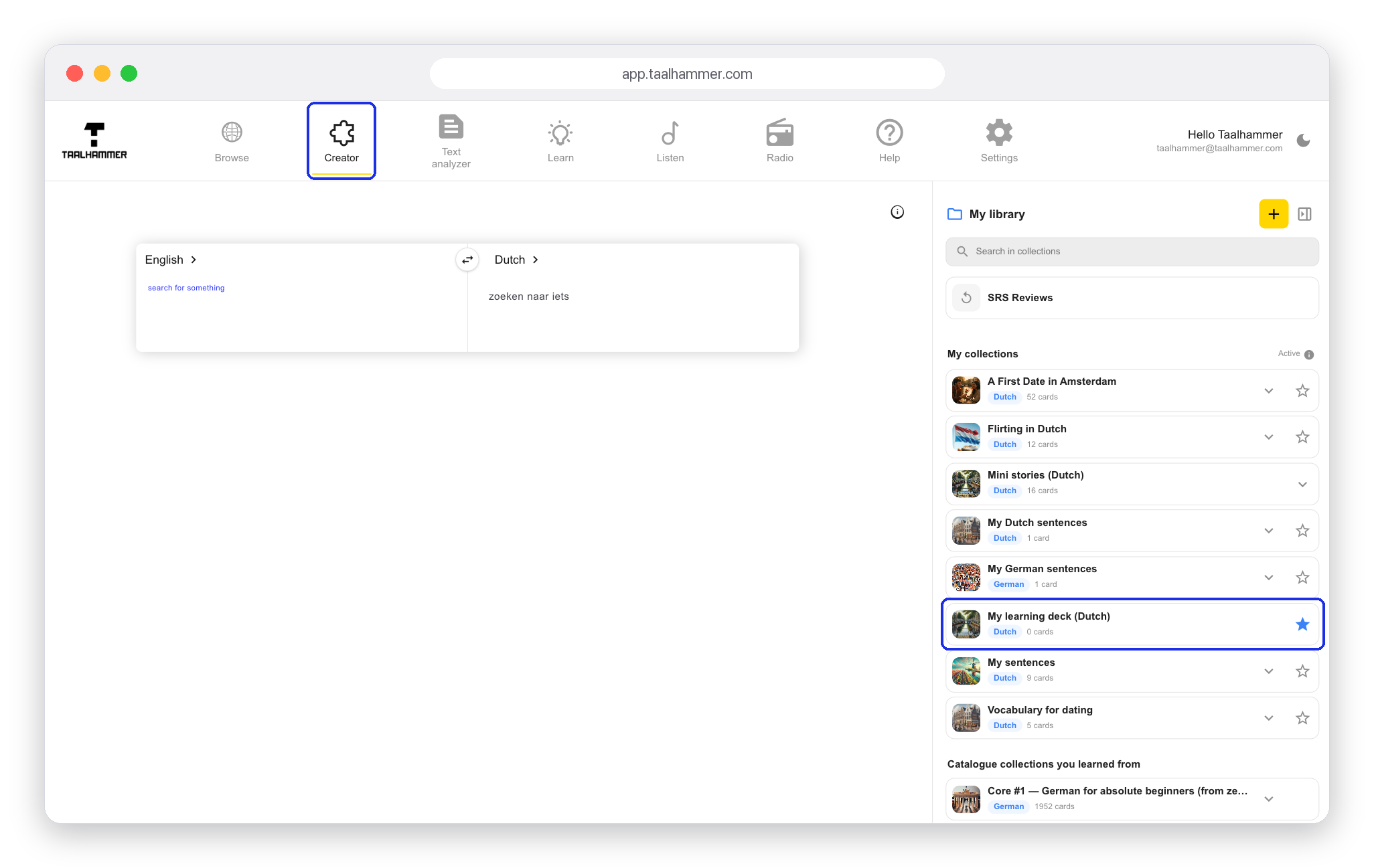
You can add to your active collection while you learn, too. After you rate a card in Learn, you see similar sentences, each with a star next to it. Click the star and that example goes into your active collection. Scroll down and click Show more to switch to the Creator with more examples. You can add your own words and sentences there as well: clear the flashcard with the cross, type what you want to learn and click the star. Your active collection keeps everything you have ever starred, and you can learn it or listen to it whenever you like.

