5.3
Search a word and add it to a collection
You hear a new word in a song, in a message or in a conversation. You look it up, you understand it, and by the evening it is gone, because looking a word up is not the same as learning it. What stays is a sentence you would really say, in a collection you come back to.
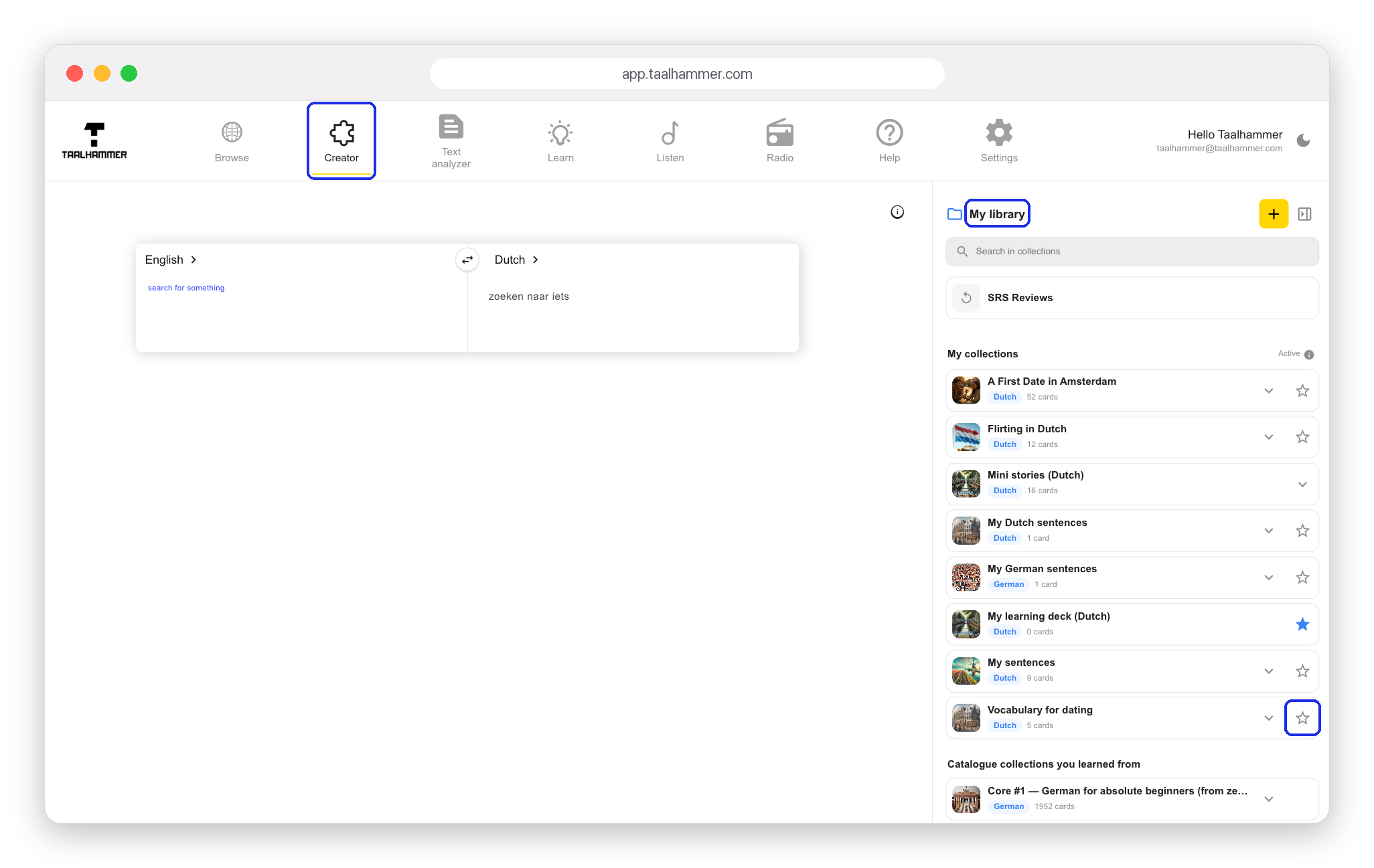
First decide where the word should go. On a computer, go to the Creator and click the star next to the collection you want to fill. On a phone, open My Library, tap My own, open the collection and tap Active.

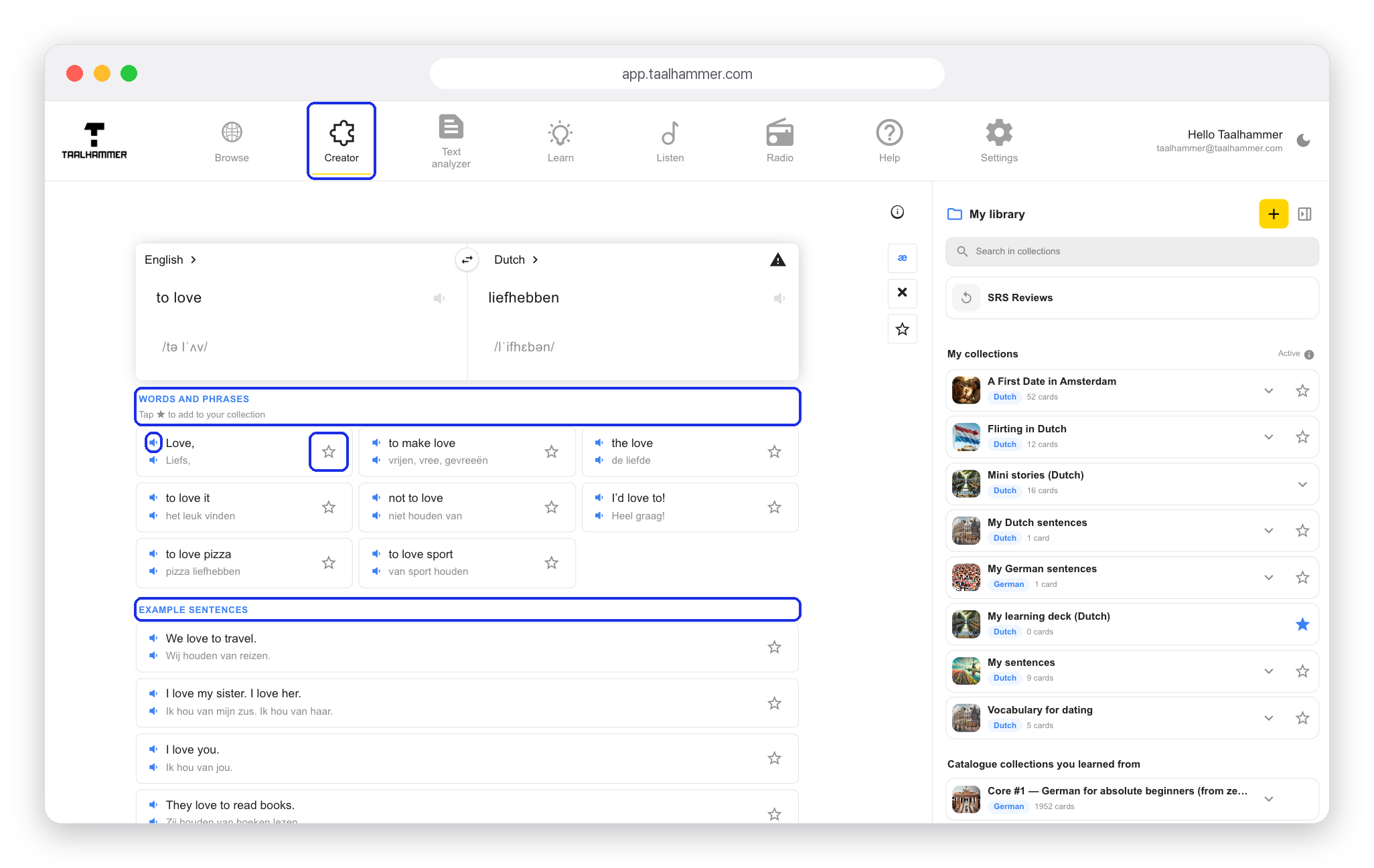
Now type the word in the Creator, in your own language or in the language you are learning. Taalhammer shows words and phrases that contain it and sentences that use it. Click the speaker to hear how each one sounds. Choose the example that says what you mean and click the star next to it: it goes straight into your active collection. You add each word or sentence with one click, and from then on it comes back to you in Learn and in Listen.