7.4
How to learn multiple languages
The hard part of a language is not the language but the habit: thirty minutes a day, the repetitions, coming back to the material. Once you have that habit, a second language costs far less than the first, because the same rhythm carries it. Taalhammer lets you learn several languages at once and keeps them in order.
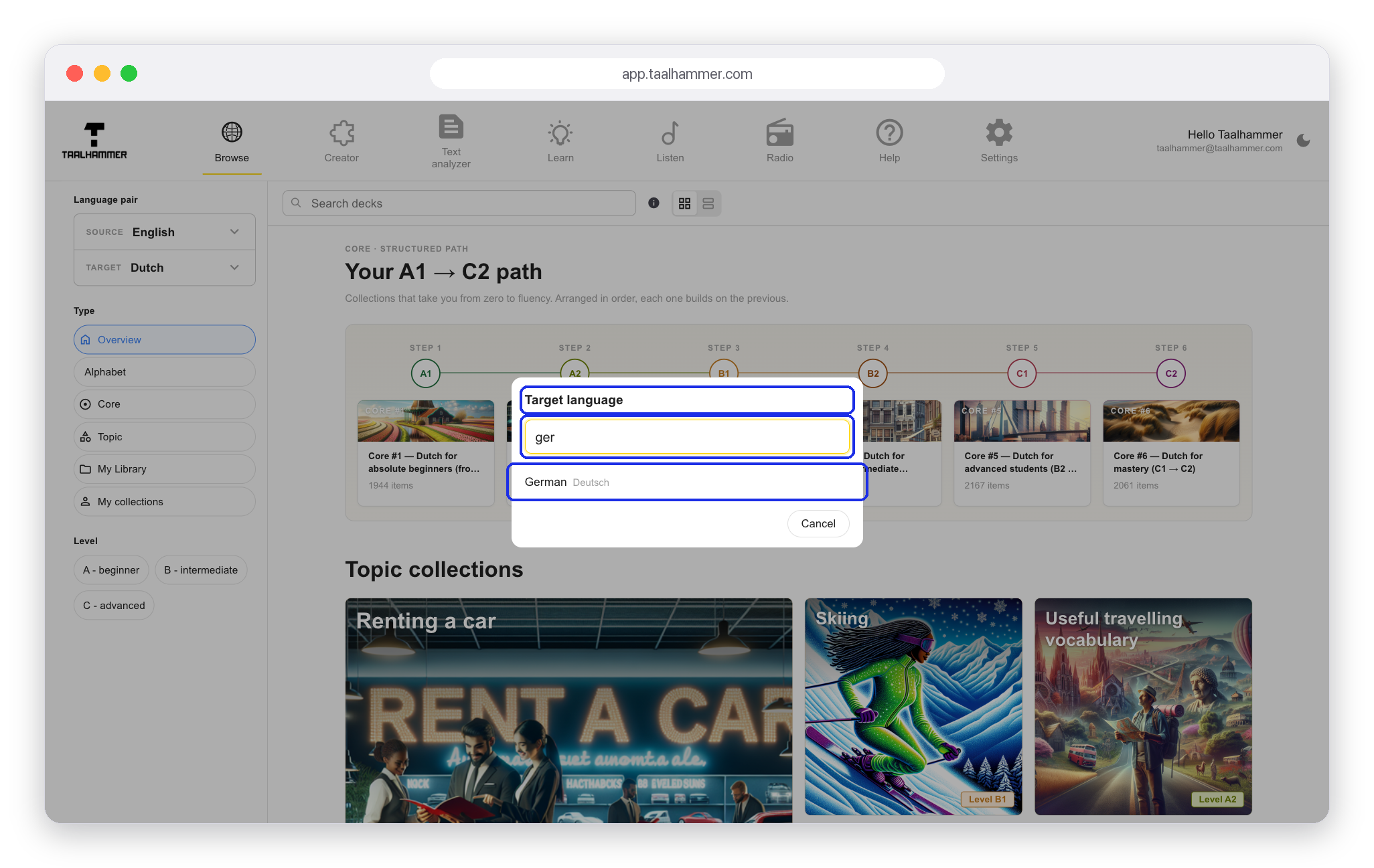
In Browse, open the language you are learning (on a phone, tap the language pair at the top first), type the name of the new language and choose it. The whole catalogue switches to that language, with the same path from your first day to an advanced level. Add a collection the usual way: open it and click Add to My Library.

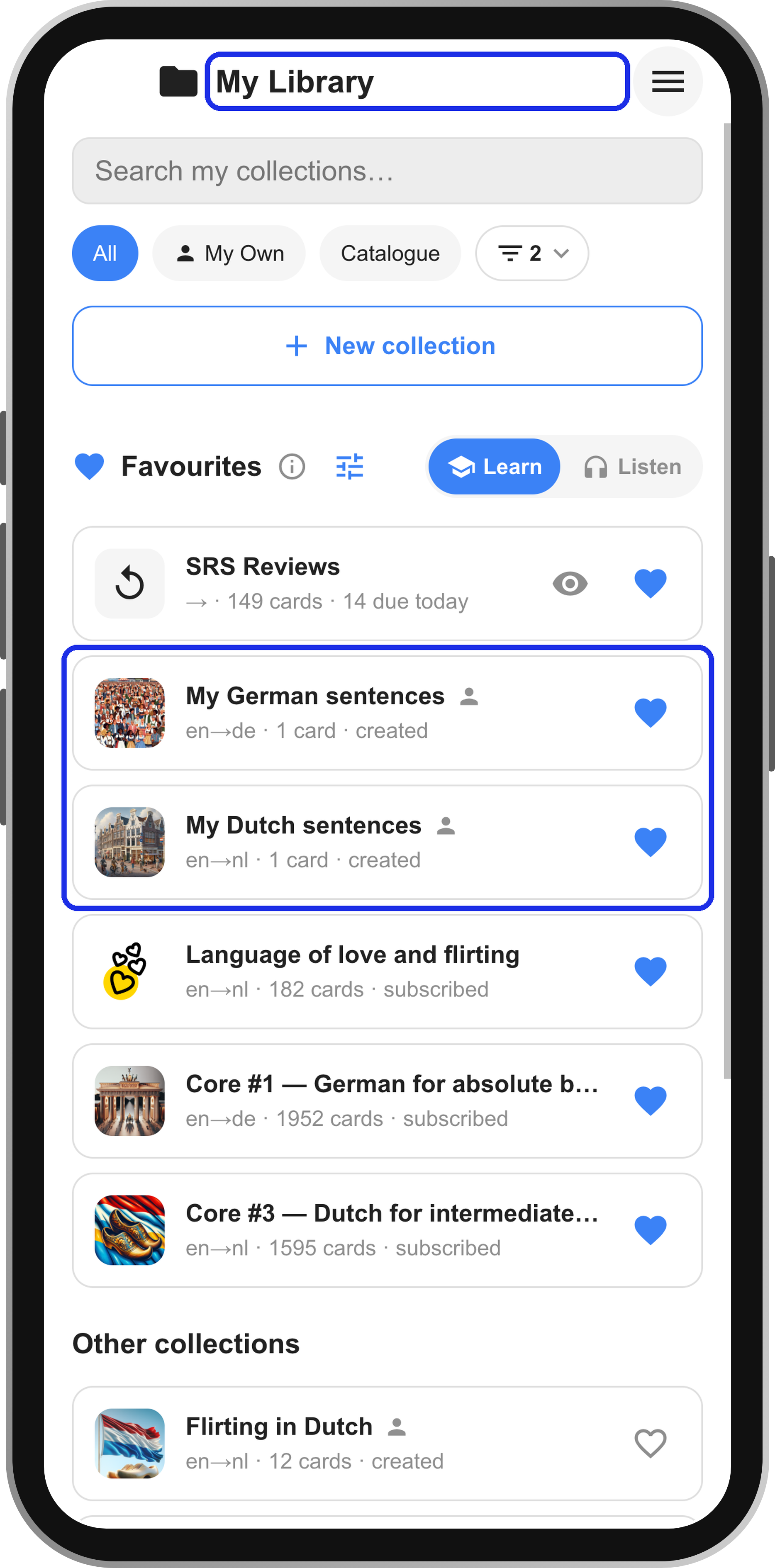
Your Favourites now hold both languages, for example the Dutch collections you already had and the German one you have just added. Each row shows which language it is in. Learning mixes them, so a sentence in Dutch can be followed by one in German. In the Learning mix you set how much comes from each collection.
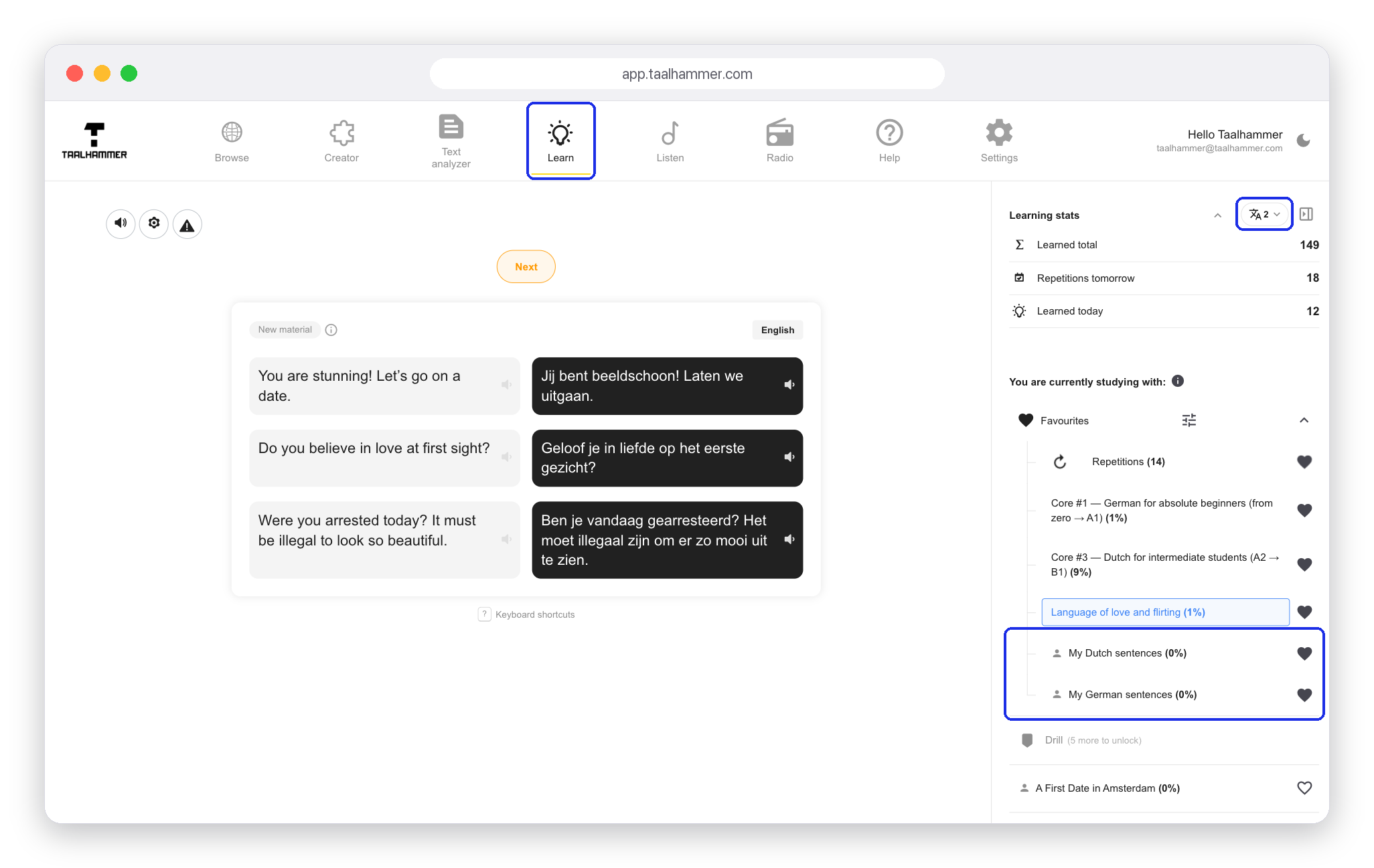
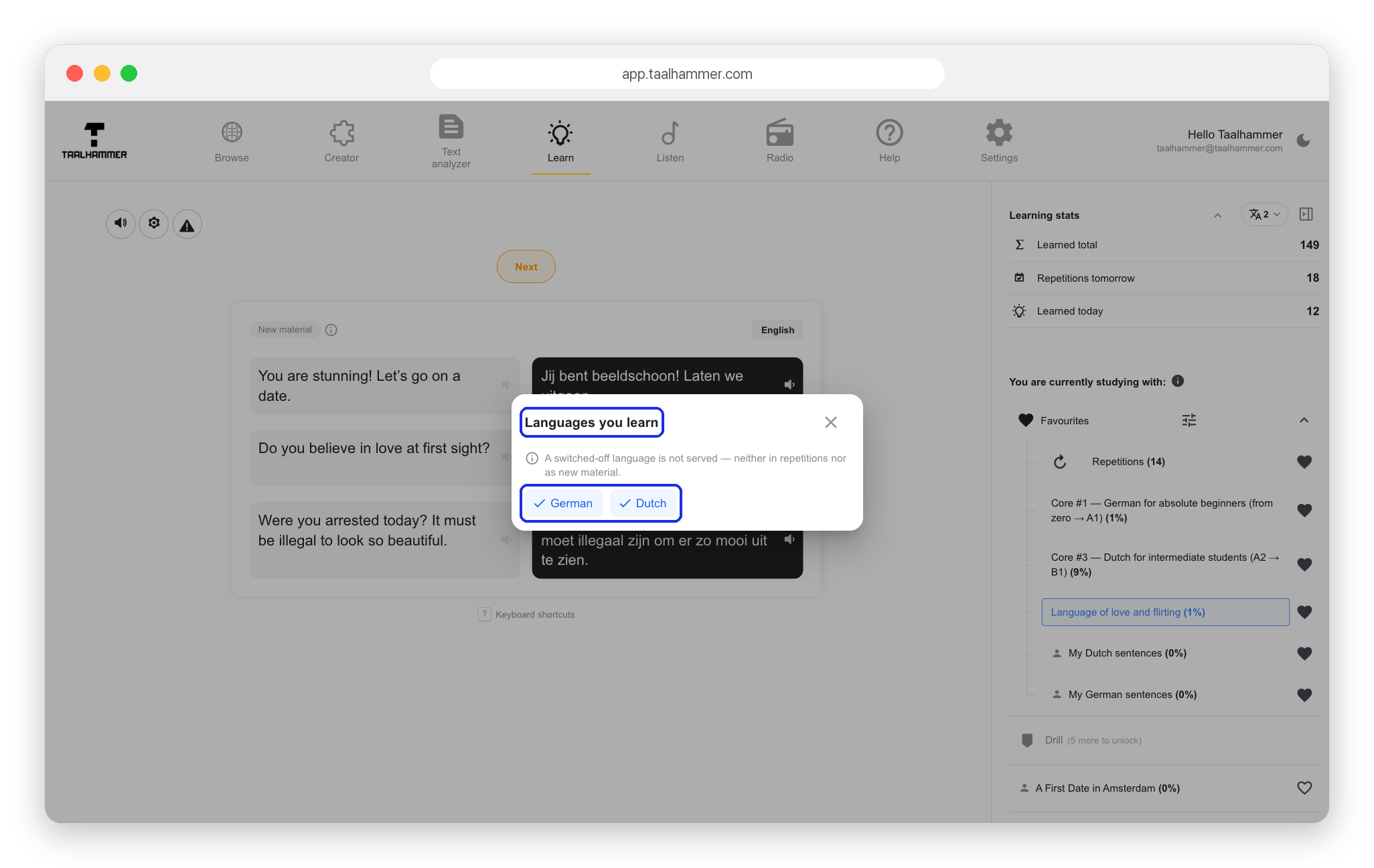
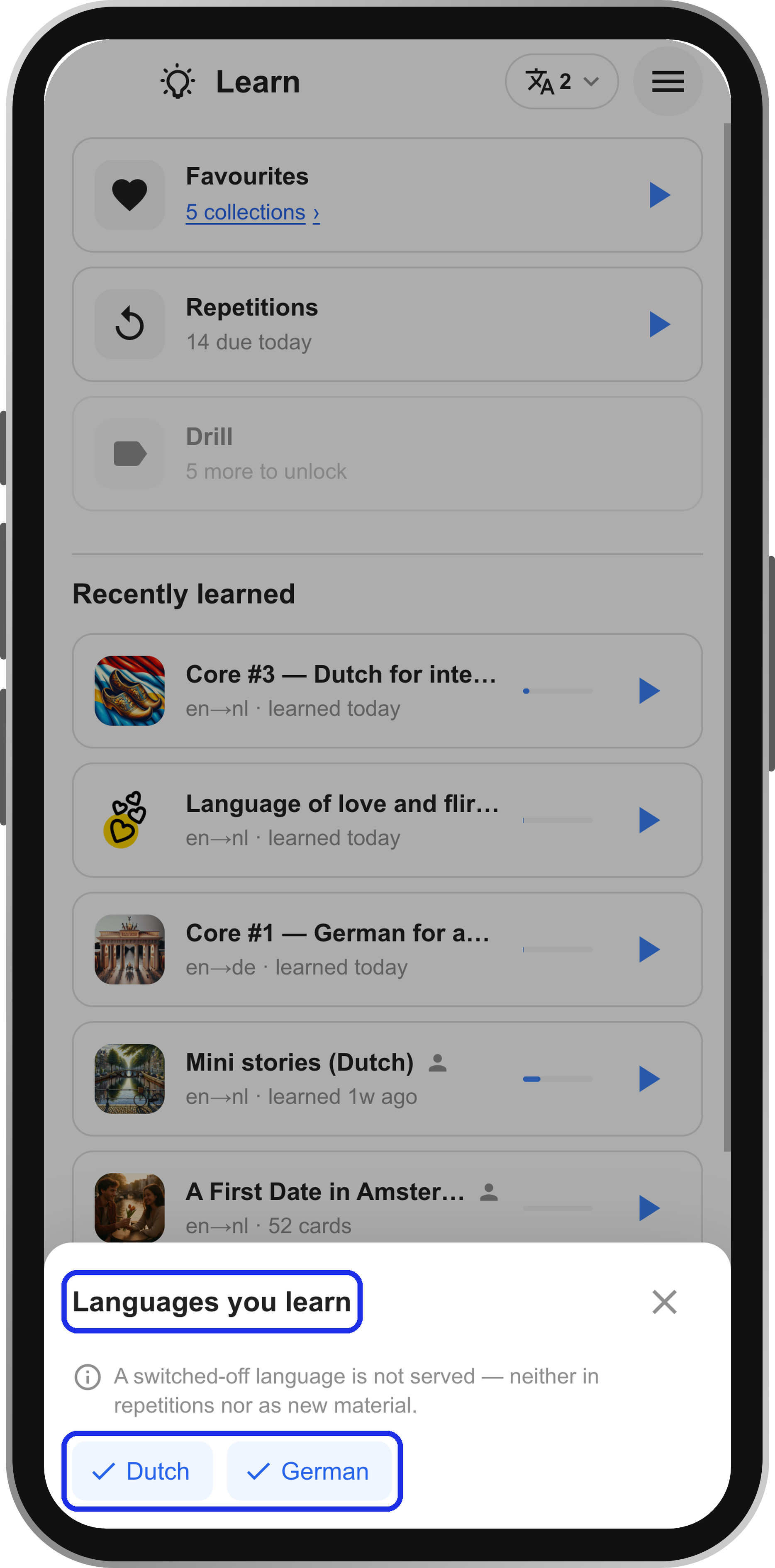
The button with the number of languages shows which languages you are learning. Switch one off and its collections leave your Favourites: a language that is off is not served at all, neither as repetitions nor as new material. Switch it back on and the collections return. Listen has the same button.
You can make your own content in both languages too. Keep a separate collection for each one. On a computer, in the Creator, click the star next to a collection to make it active, and the editor switches to that collection's language by itself. On a phone, tap New collection in My Library to generate one with AI or import cards from a CSV file or Anki.