8.4
How to cancel your subscription
You can leave your Taalhammer plan at any time. There is one thing worth knowing: you cancel a subscription where you bought it, because that is who holds the payment.
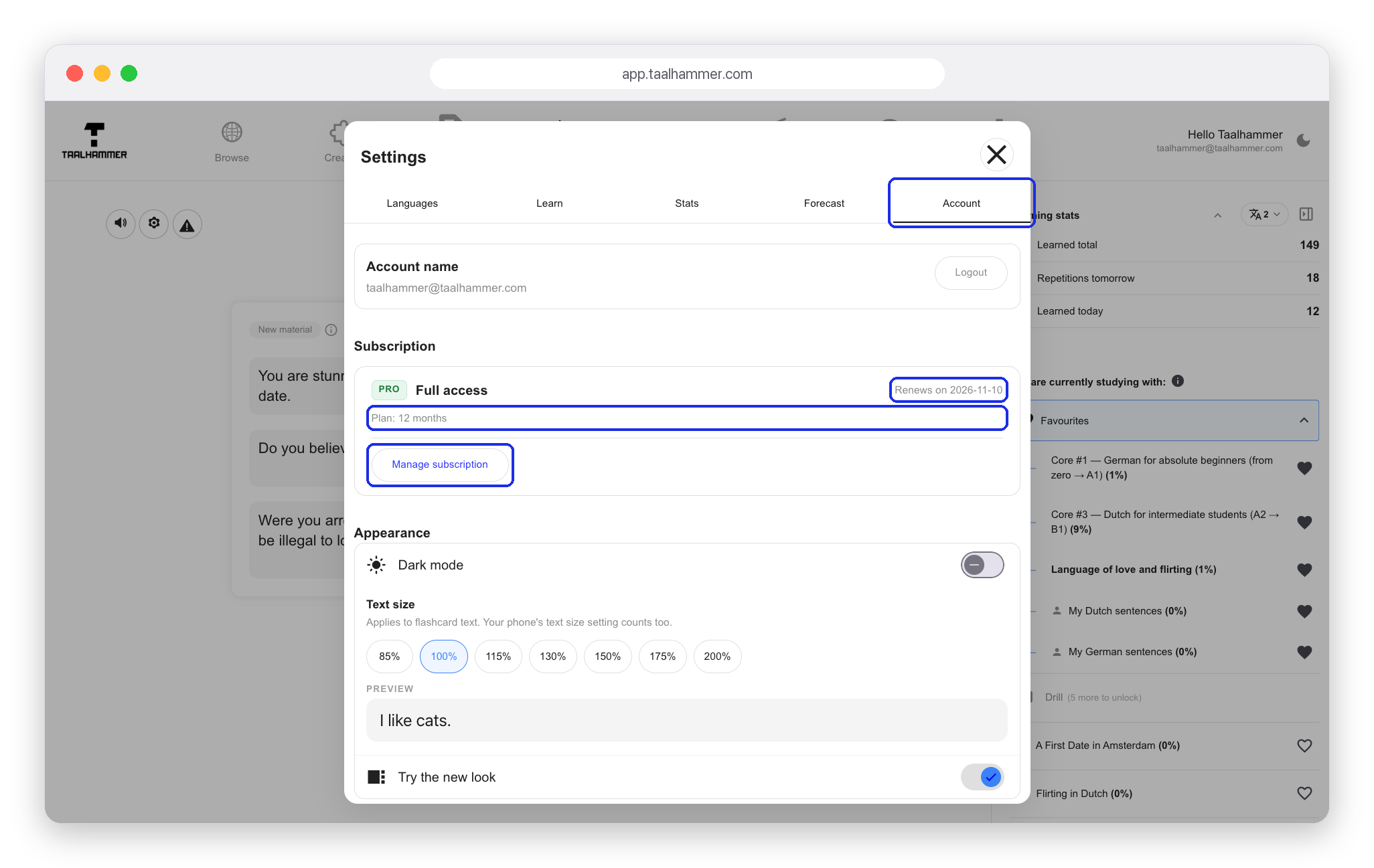
Open Settings: on a computer the Account tab, on a phone the Subscription section. It shows your plan and the date it renews. If you subscribed on the web, Manage subscription opens the secure billing page, and the cancel button is on it.

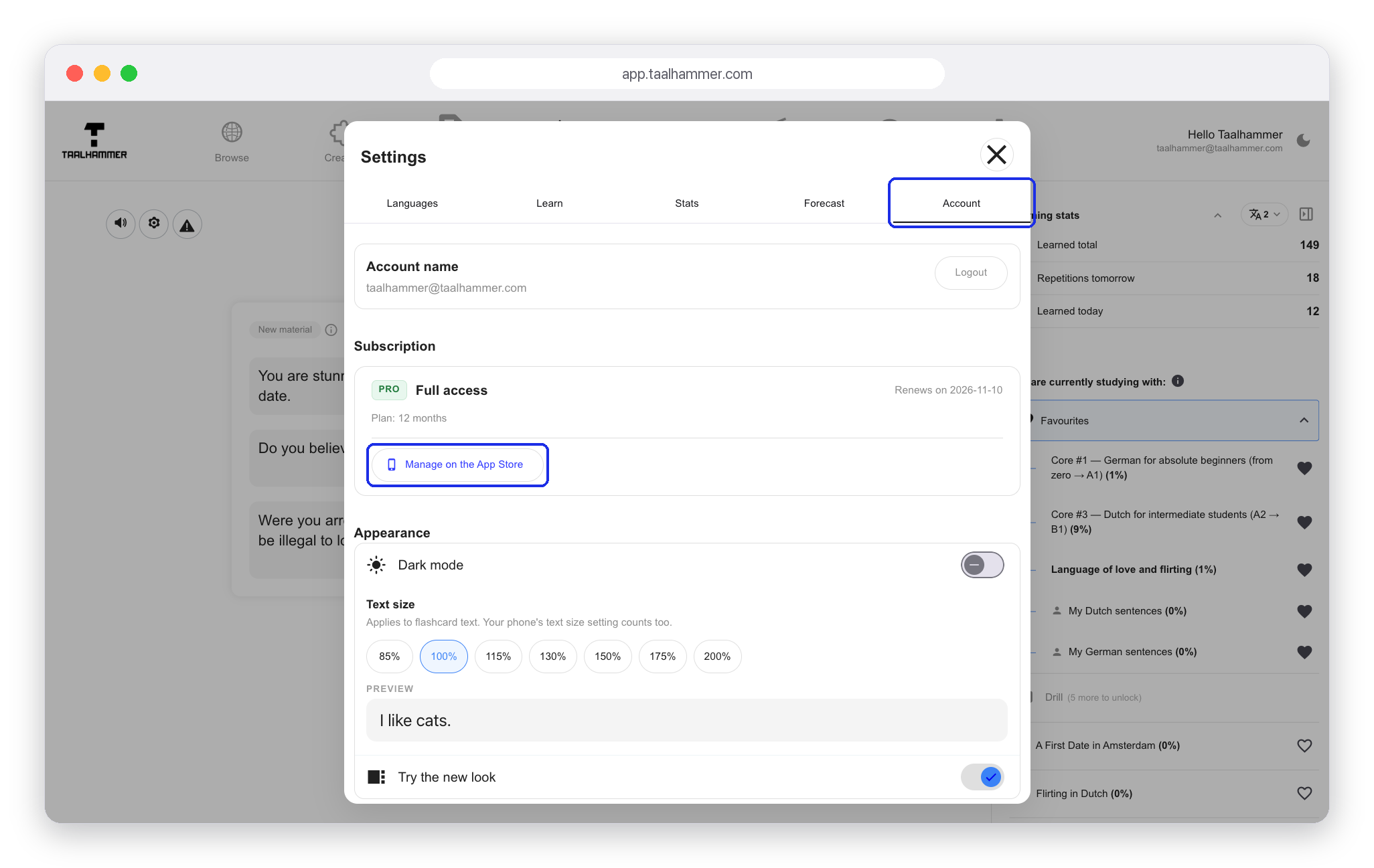
If you bought it in the app on an iPhone, the same place shows Manage on the App Store instead. Apple holds that subscription, and only Apple can stop it. On Android it works the same way with Manage on Google Play. Cancelling inside the app, or on the wrong platform, will not stop an Apple or Google charge. That is the one mistake to avoid.

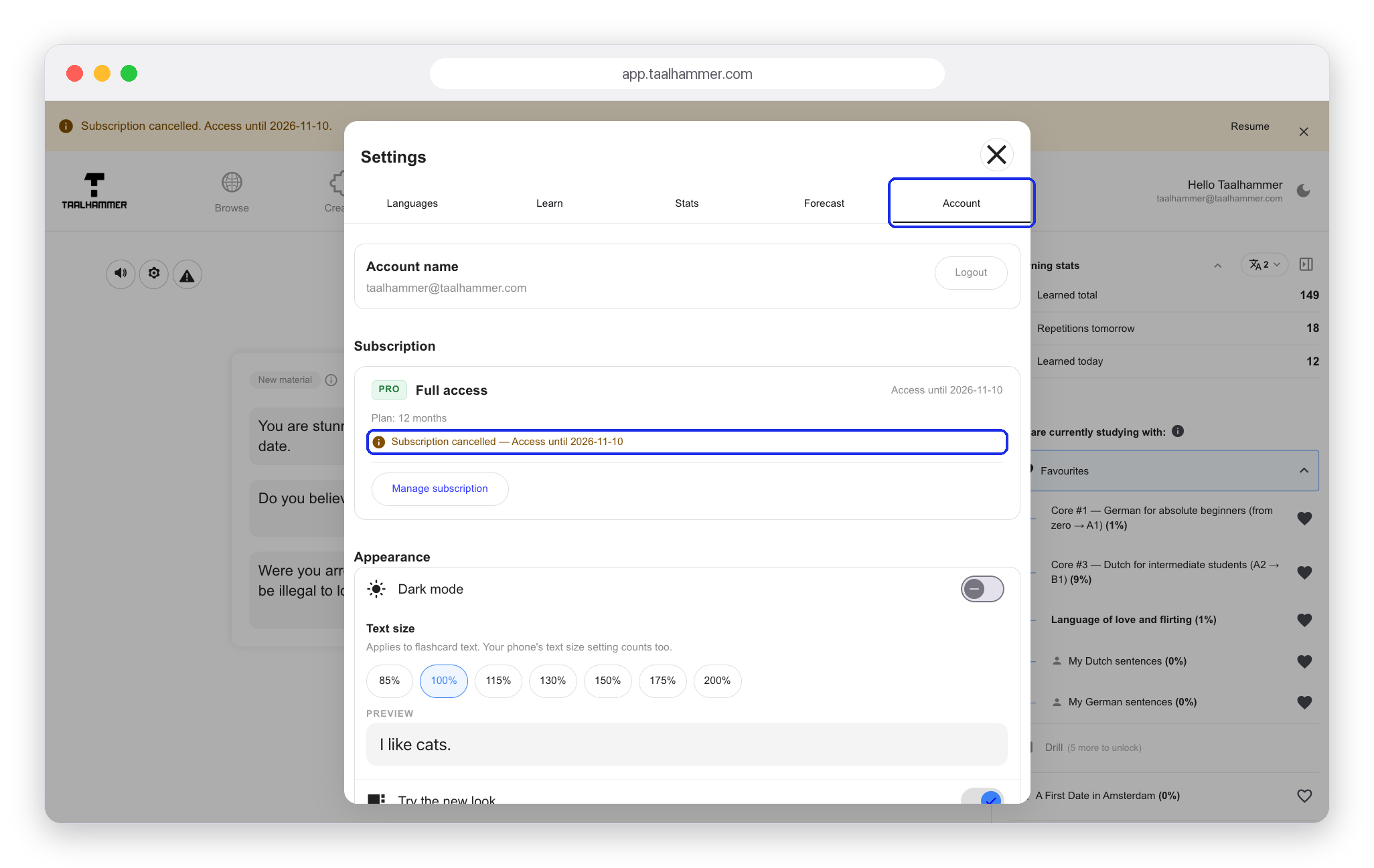
Wherever you cancel, your access runs to the end of the period you have already paid for, and the app says so.

A lifetime purchase is not a subscription: there is no renewal date, no Manage subscription button and nothing to cancel. Nothing you made is ever touched.